
Human Pose Detection Tool
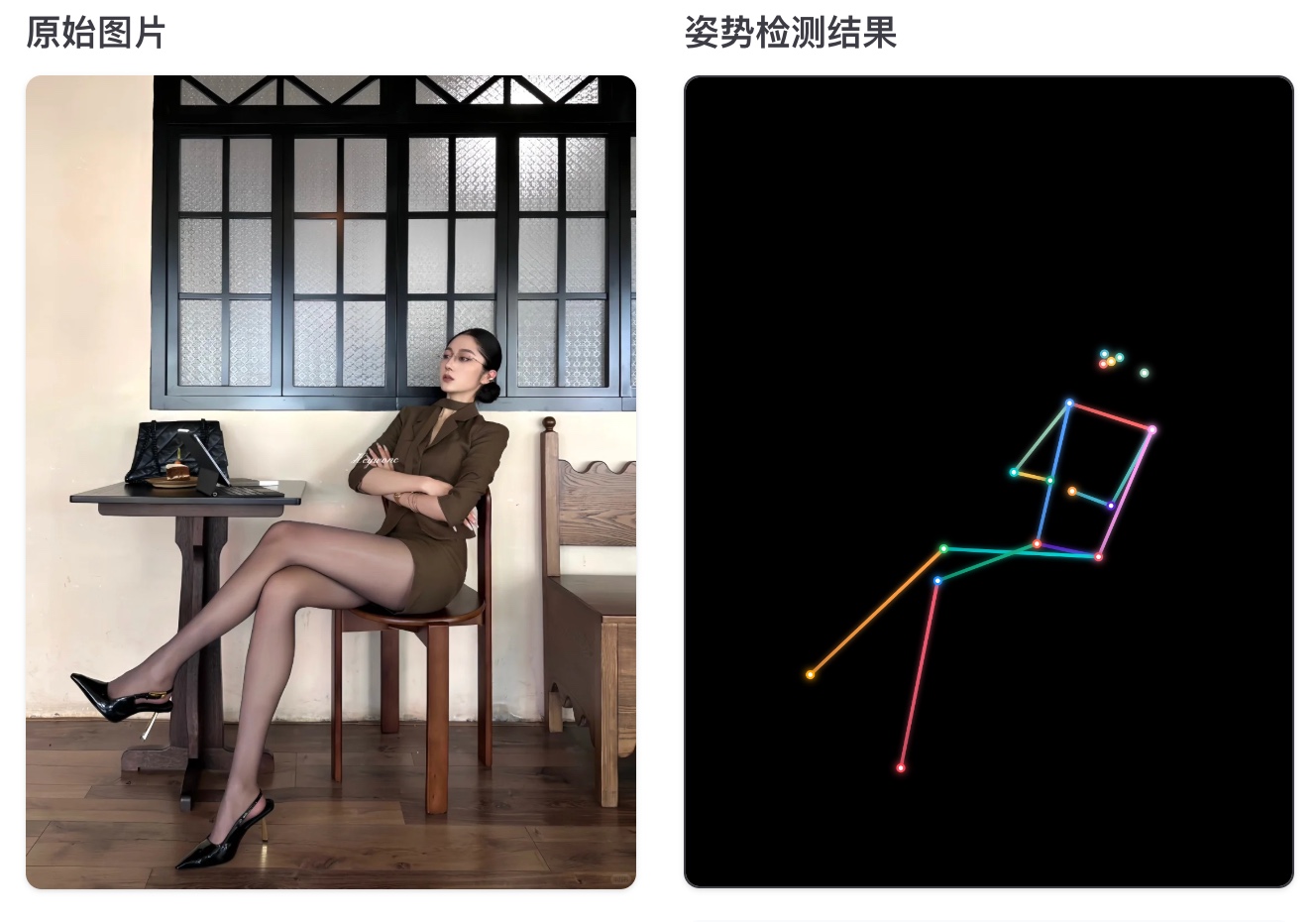
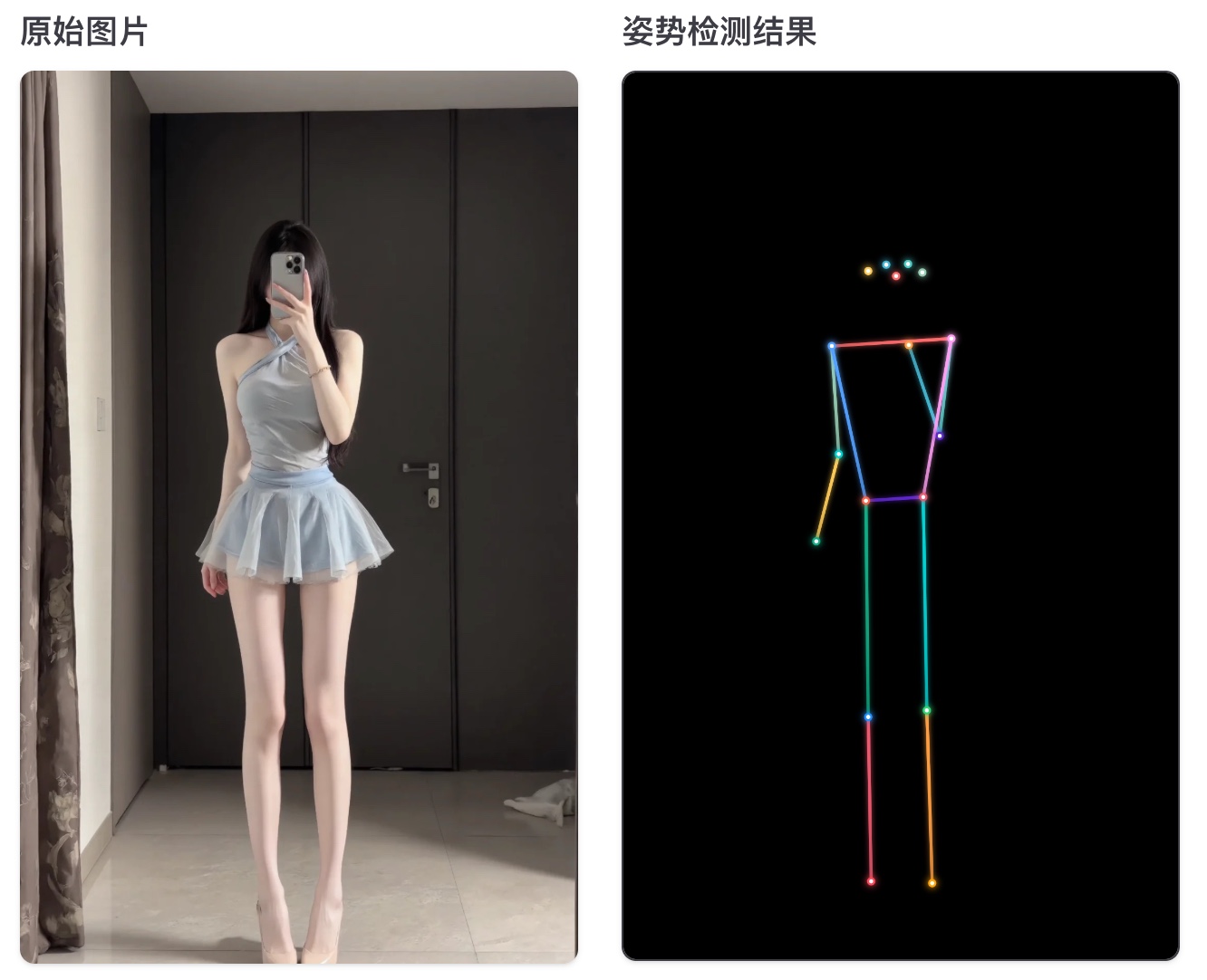
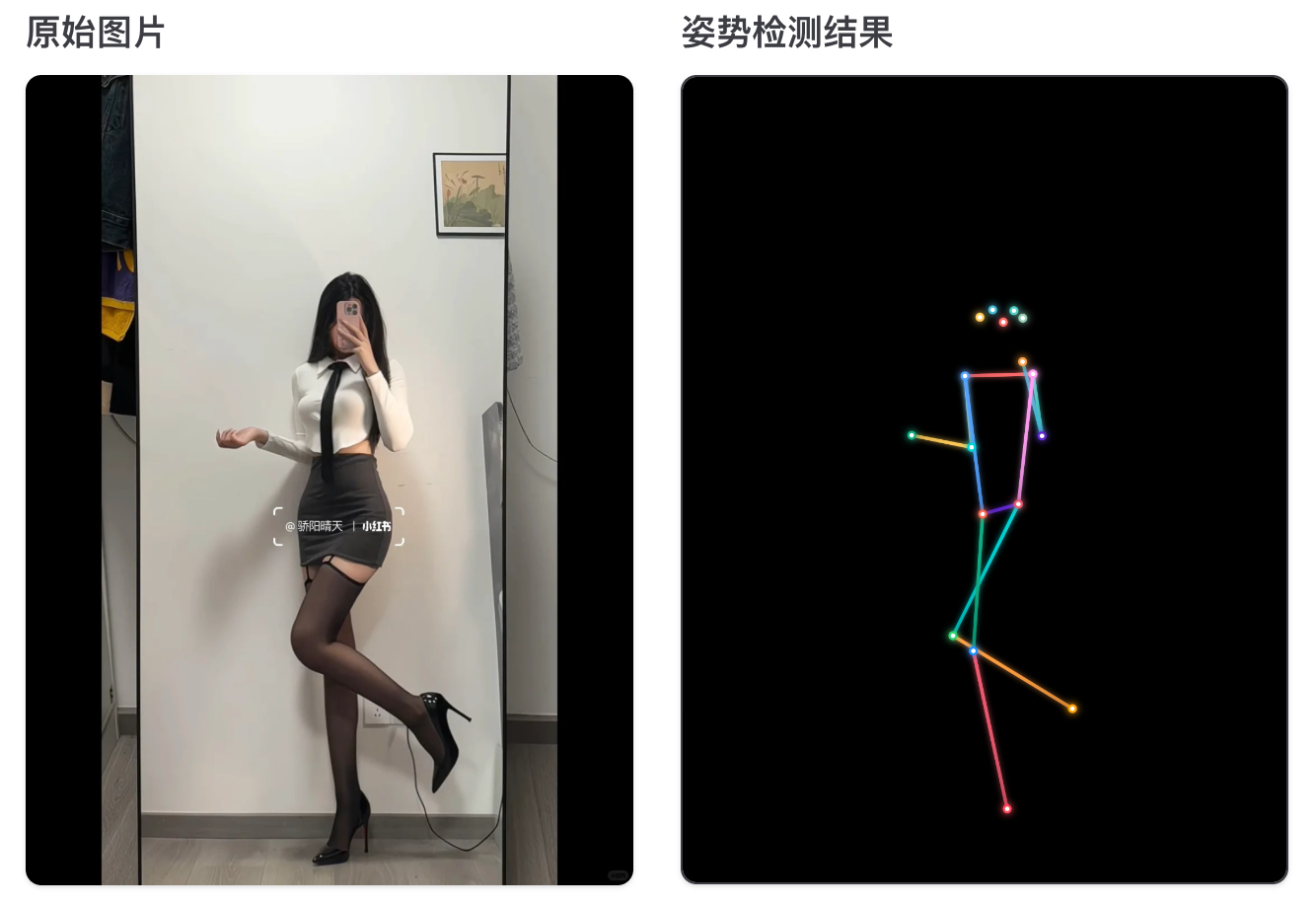
Automatically detect human pose from uploaded images, extract keypoint information, and generate a visual pose diagram.
点击上传图片
Examples
Features
- Smart detection with an advanced deep learning model
- Visual skeleton and keypoint rendering for intuitive pose display
- JSON export for later analysis
- Pose image download
- High-precision detection for 17 major body keypoints
Supported keypoints
- Head: nose, left eye, right eye, left ear, right ear
- Upper body: left shoulder, right shoulder, left elbow, right elbow, left wrist, right wrist
- Lower body: left hip, right hip, left knee, right knee, left ankle, right ankle
How to use
- Upload an image by clicking the upload area or dragging a file into it
- Click Detect Pose and the system will analyze the image
- View the generated pose image and detection information on the right
- Download the pose image or export keypoint data as JSON
Use cases
- Sports analysis
- Fitness form checking
- Dance teaching
- Medical rehabilitation posture assessment
- Game development and character animation data
- Ergonomics and biomechanics research
Notes
- Use clear, well-lit images for best results
- The person should be as complete as possible and not heavily occluded
- Supports common image formats such as JPG, PNG, and WebP
- The first use loads a model from storage.googleapis.com, about 12.2MB, and may take a few seconds
- All processing runs locally in the browser and images are not uploaded to the server
Data format
json
{
  "timestamp": "2024-01-01T12:00:00.000Z",
  "score": 0.85,
  "keypoints": [
    {
      "part": "nose",
      "position": { "x": 125.5, "y": 80.2 },
      "score": 0.92
    }
  ]
}- timestamp
- score
- keypoints